
What Is Streaming TV? A Complete Guide for Beginners in 2026
Remember the days of flipping through channels, waiting for your favorite show to start, or missing an episode because you weren’t home at a specific time? That frustration of rigid TV schedules and limited choices is likely a distant memory for many. In a world that constantly evolves, your entertainment consumption has transformed dramatically. Streaming TV has emerged not just as an alternative but as your personalized gateway to an endless universe of content, offering unparalleled flexibility and choice right at your fingertips. It’s about reclaiming your viewing experience, watching what you want, when you want, and how you want, transforming a passive activity into an active, tailored journey that truly puts you in control. 📺✨
Understanding What Is Streaming TV: The Core Concept
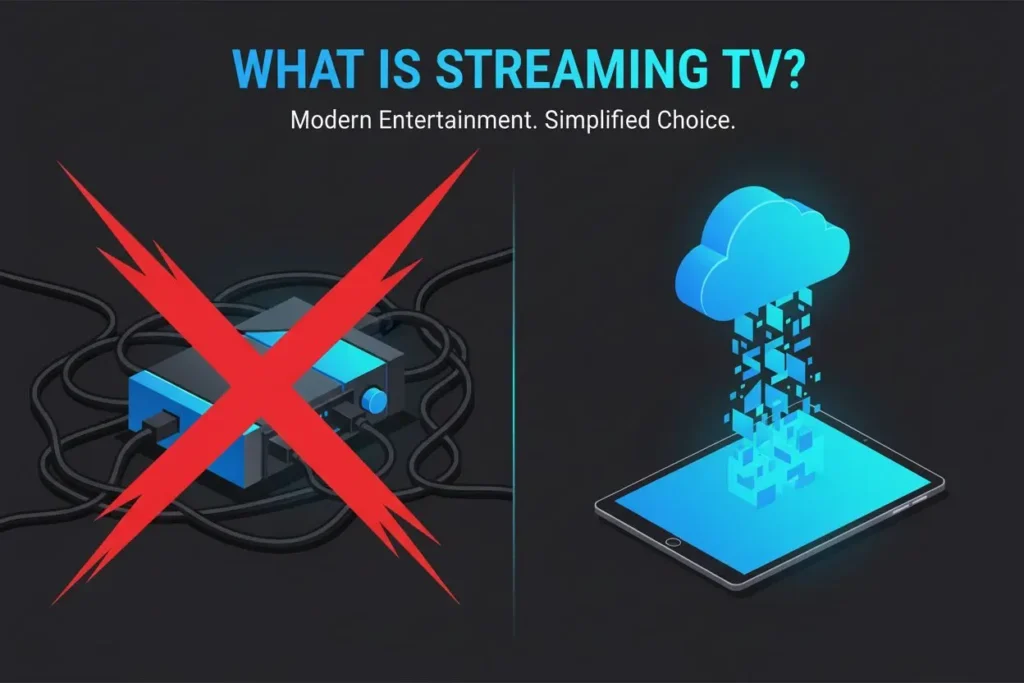
So, what exactly is streaming TV? Simply put, streaming TV refers to the delivery of television content over the internet, instead of through traditional cable, satellite, or antenna signals. This means you can watch live news, sports, movies, or your favorite series on any device—as long as you have a good internet connection.
You no longer need to wait for a scheduled broadcast. With streaming, you decide what to watch and when. Whether it’s a live football game, a breaking news alert, or a 10-season drama marathon, it’s all available at your command.
Streaming TV vs. Traditional Cable: What’s Really Different?
Many people assume streaming is just “cable on the internet.” But the differences go far beyond the cable in your wall.
| Feature | Traditional Cable | Streaming TV |
|---|---|---|
| Cost | $80–$150+/month (often with hidden fees) | $20–$80/month (no contracts) |
| Flexibility | Tied to one TV | Watch on phone, tablet, TV, laptop |
| Local Channels | Yes (via cable box) | Yes (via antenna or YouTube TV, etc.) |
| On-Demand Content | Limited or extra fee | Vast libraries included |
| Cancellation | Early termination fees | Cancel anytime, online |
As you can see, streaming isn’t just cheaper—it’s more respectful of your time, choices, and budget.
What Do You Actually Need to Start?
Good news: you probably already own most of what you need.
1. Internet Connection
- For HD: At least 5–8 Mbps
- For 4K or multi-device use: 25+ Mbps💡 Pro tip: Test your speed at fast.com during prime time (8–10 PM) to simulate real conditions.
2. A Streaming Device
Most modern TVs are “smart” and have apps built in. If yours isn’t, a streaming stick does the job for under $50.
| Device | Price | Best For |
|---|---|---|
| Amazon Fire TV Stick 4K Max | $55 | Most users, Alexa voice, IPTV-friendly |
| Roku Streaming Stick 4K | $50 | Simple interface, great for seniors |
| Apple TV 4K (2023) | $129 | iPhone/Mac users, premium quality |
| Google Chromecast with Google TV | $60 | Android users, Google Assistant |
3. A Streaming Service (Start with a Free Trial!)
- For movies & series: Netflix, Disney+, Hulu
- For live TV & local channels: YouTube TV, FuboTV, Hulu + Live TV
- For free content: Pluto TV, Tubi, Freevee (ads included)
✅ Smart move: Try one live TV service and one on-demand service for 7 days free. Keep what you love, cancel the rest.
How Does Streaming TV Work? (Simply Explained!) ⚙️
You might wonder: “If there’s no cable running to my house, how does the video actually get to my screen?”
Think of streaming TV like ordering food from your favorite restaurant for delivery. Instead of cooking it yourself (like old DVDs), you ask the kitchen (the streaming service) to prepare your meal (the show or movie) and send it to you in small, hot boxes (data packets) over the internet highway.
Your device—whether it’s a smart TV, phone, or streaming stick—starts playing the video as soon as the first “box” arrives, while the rest are still on the way. That’s why you can hit “play” and start watching almost instantly!
Why Doesn’t It Buffer? The Secret Behind Smooth Streaming
Ever notice how your Netflix show keeps playing smoothly, even if your Wi-Fi acts up for a second? That’s thanks to something called adaptive streaming—a smart technology that quietly adjusts the video quality based on your internet speed.
- If your connection is strong → you get sharp, crisp HD or even 4K.
- If your kids start gaming or someone’s downloading a big file → the video gently lowers to standard quality to avoid pausing.
- The moment your internet calms down → it bumps the quality back up.
It’s like a thoughtful waiter who slows down your food delivery if the kitchen gets busy—so you never go hungry, and your meal always arrives warm.
How Do Services Deliver Content So Fast? Meet the “Streaming Helpers”
Behind the scenes, streaming platforms use a global network of local storage hubs (kind of like neighborhood mini-warehouses) spread across cities and countries. When you press play on a show, the system doesn’t send it all the way from Hollywood—it grabs it from the closest hub to you.
This means:
- Less waiting
- Faster loading
- Smoother playback
Even during major events like the Super Bowl or a Netflix premiere, millions can watch simultaneously without crashing the system—thanks to this smart distribution.
Live TV Streaming: How Do They Broadcast Games in Real Time?
Watching live sports or news via streaming feels almost like traditional TV—and that’s by design. Services like YouTube TV or Hulu Live TV utilize ultra-fast connections and intelligent buffering to deliver live broadcasts with a delay of just 1–2 seconds (often less than cable).
They do this by:
- Sending the live feed through dedicated internet lanes (like express delivery)
- Pre-loading a tiny bit of video so it never stutters
- Syncing your local time zone so you see the right game at the right hour
So yes—you can watch your hometown team score in real time, even if you’re halfway across the world.
And What’s This “IPTV” Thing I Keep Hearing About?
IPTV (Internet Protocol Television) is simply the technical name for any TV delivered over the internet. All streaming TV is IPTV—but not all IPTV is legal or safe.
- Legal IPTV: Services like YouTube TV, Sling TV, and official apps from networks. They’re licensed, reliable, and include customer support.
- Risky IPTV: Cheap “lifetime subscription” services sold on social media. They often steal content, vanish overnight, or expose your device to malware.
✅ How to stay safe:
- Avoid services that accept only crypto or gift cards
- Always look for a free trial (24+ hours)
- Choose suppliers that offer live chat support
- If it promises “10,000 channels for $10,” it’s almost certainly a scam
Simple Tips for a Better Streaming Experience
You don’t need to be tech-savvy to enjoy flawless streaming. Just follow these easy tips:
- Use Ethernet when possible: A wired connection reduces buffering by up to 40%
- Restart your router monthly: Keeps performance fresh
- Clear app cache: On Fire Stick or Android, go to Settings > Apps > [App Name] > Clear Cache
- Update firmware: Smart TVs and sticks release updates that fix bugs and improve speed
Why People Choose Streaming TV Over Traditional Television 💖
Your shift to streaming isn’t just about saving money—it’s about freedom:
- Personalized recommendations that learn your taste
- Watch anywhere—on your TV, tablet, or phone
- No contracts—cancel anytime
- Only pay for what you watch—no bloated channel bundles
In short: You’re in control.
The Future of Streaming TV: TV 3.0 and Beyond 🌐🔮
The next wave of TV will blend live broadcasts, on-demand libraries, and smart recommendations into one seamless experience. Imagine turning on your TV and seeing both your Netflix watchlist and tonight’s live local news in one menu—no switching apps, no confusion.
With better internet, smarter devices, and more affordable plans, the future of TV is yours to shape.
Conclusion
The landscape of television has been irrevocably altered by the advent of streaming TV. What streaming TV is today is not merely a method of content delivery but a dynamic ecosystem that offers you unprecedented choice, personalization, and flexibility. From its technical reliance on robust networks and adaptive streaming to its diverse range of platforms and transformative impact on content creation and consumption, streaming has redefined your relationship with media.
As we move towards TV 3.0, the boundaries between traditional broadcast and internet-delivered content will continue to blur, ushering in an even more integrated and immersive viewing future. The journey has been one of continuous innovation, and the evolution of streaming TV promises to keep you at the forefront of digital entertainment. Stay tuned; the best is yet to come! 🎬🌟
Frequently Asked Questions (FAQ)
Q: What is Streaming TV, and how is it different from traditional TV?
A: Streaming TV delivers content over the internet, offering on-demand access and personalized experiences, unlike traditional TV, which relies on scheduled broadcasts via cable, satellite, or antenna.
Q: Can I watch live sports and news on Streaming TV?
A: Yes, many streaming services offer live TV streaming, allowing you to watch real-time broadcasts of sports, news, and other events over the internet, often with minimal latency.
Q: What devices can I use to watch streaming TV?
A: You can watch streaming TV on a wide range of devices, including smart TVs, smartphones, tablets, laptops, gaming consoles, and dedicated streaming sticks.
Q: Is streaming TV replacing traditional television?
A: While streaming TV is a significant competitor and has led to a “cord-cutting” phenomenon, traditional television still exists. However, streaming is increasingly substituting linear TV, especially for recorded viewing, dramas, and movies.
Q: What are the main types of streaming TV platforms?
A: The main types include Subscription Video On-Demand (SVOD) like Netflix, Advertising-Based Video On-Demand (AVOD), and Free Ad-Supported Streaming TV (FAST), and Live TV streaming services.
Q: Can I watch TV without the internet?
A: Yes—but only local broadcast channels (ABC, CBS, NBC, FOX, PBS) using a free over-the-air antenna. No internet required!